

An IP address is the number the internet uses to find your device. Every phone, laptop, and smart TV that goes online gets one, and without it the web would have no idea where to send the page you just asked for. This guide explains what those numbers actually mean, why you have more than one of them, how to find yours on any device, and what your address reveals about you.
What an IP address actually is
An IP address (Internet Protocol address) does two jobs at once: it identifies a device on a network, and it says where that device is. Think of it the way you think about mail. A name tells you who a letter is for, but the address tells you where to deliver it. The internet works the same way. When you open a website, your device sends a request addressed to that site’s IP address, and the site sends the page back addressed to yours. That request is an HTTP request. Whether it travels as readable plain text or as scrambled ciphertext is the difference between HTTP and HTTPS.
Under the hood, data crosses the internet in small chunks called packets. Every packet carries the sender’s IP address and the recipient’s IP address in its header, which is how the routers in between know where to forward it. If you have ever wondered what a packet actually contains, our packet sniffer guide walks through those headers field by field.
You rarely type an IP address yourself, because the Domain Name System translates names like valleyai.net into addresses behind the scenes. But every click you make still runs on those numbers.
Reading an IPv4 address, octet by octet
The addresses you meet most often look like this: 192.168.1.1. That is IPv4, the original format, in use since 1983. It is a 32-bit number written as four decimal numbers separated by dots. Each of the four numbers is called an octet, because it stands for 8 bits, and each one ranges from 0 to 255.
Roughly speaking, the first octets identify the network and the last octet identifies the device on that network. Take the classic home router address 192.168.1.1: the 192.168.1 part points at your home network, and the final 1 points at the router itself. Technically a subnet mask draws the exact dividing line, and you will sometimes see it written as 192.168.1.0/24, where the /24 means the first 24 bits are the network part. You do not need subnet math for daily life, but now you can read the notation when you meet it.
Two addresses worth recognizing on sight: 127.0.0.1 always means your own computer (developers call it localhost), and an address starting with 169.254 means your device failed to get a real address from the network, which is a handy diagnostic clue when nothing loads.
Why IPv6 exists: the internet ran out of numbers
Four octets allow about 4.3 billion unique addresses. That sounded enormous in 1983, when the internet was a few thousand research computers. Then came laptops, phones, tablets, TVs, game consoles, smart bulbs, and doorbells, and the math stopped working. The central pool of IPv4 addresses ran dry in 2011, and the regional registries handed out their last blocks in the years that followed.
The permanent fix is IPv6: 128-bit addresses written as eight groups of hexadecimal digits separated by colons, like 2001:0db8:85a3:0000:0000:8a2e:0370:7334. The address space is about 340 undecillion, so large that every device humanity will ever build could hold millions of addresses each. Adoption was slow for years, but IPv6 traffic has now passed half of the global total, and most modern connections quietly use both versions side by side.
So how did the internet survive the long gap between running out and switching over? One clever trick, built into the little box in your hallway, bought the world roughly fifteen extra years. That trick is the subject of the next section.
Public vs private: why you have more than one IP address
Here is the part most guides rush past: you do not have one IP address. You have at least two, and they do completely different jobs.
Your public IP address is assigned by your internet provider. It is the address the entire internet sees, and every device in your home shares it. Your private IP address is assigned by your router for use inside your home network only. Private addresses always come from reserved ranges: 192.168.x.x, 10.x.x.x, or 172.16.x.x through 172.31.x.x. Those ranges can never work on the public internet, which is why your neighbor can use the exact same 192.168.1.5 as you without any conflict.
The translator between the two is NAT, short for Network Address Translation, and it lives in your router. When your phone requests a web page, the router notes which private address asked, sends the request out under the public address, and hands the reply back to the right device when it returns. One public address serves dozens of devices. That single trick is how 4.3 billion IPv4 addresses stretched to cover tens of billions of devices.
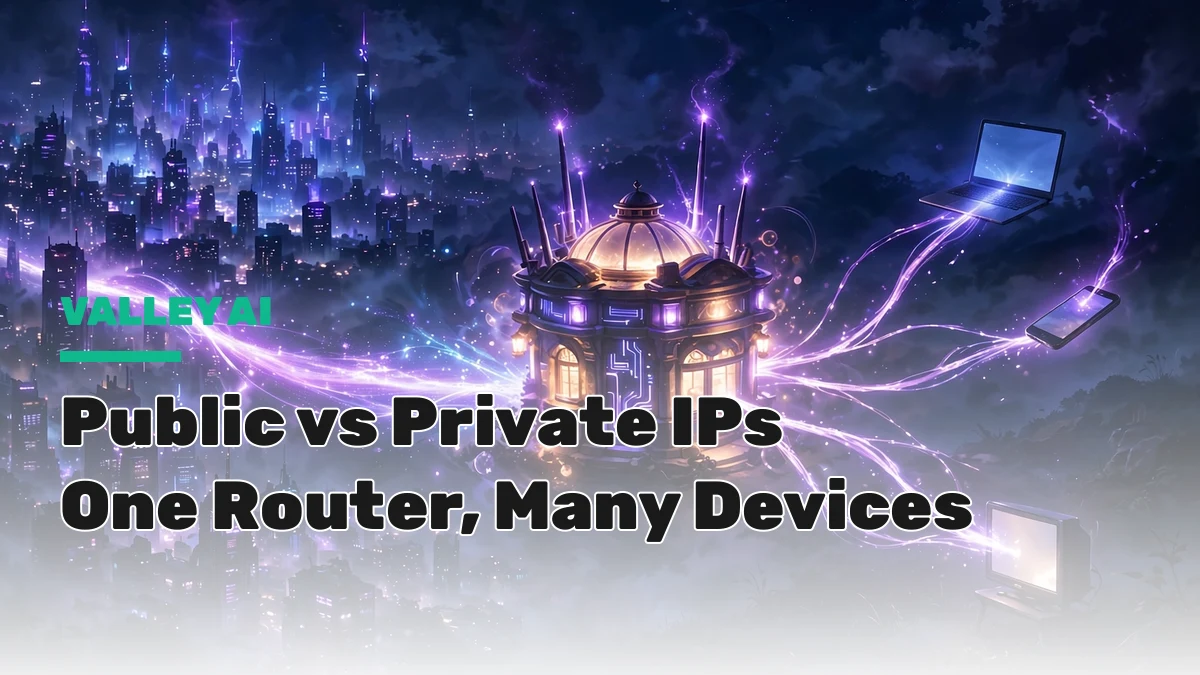
One consequence worth knowing: websites only ever see your public IP address. Your private address never leaves your home network, just like your MAC address never leaves it either. The two identifiers are a natural pair, and we explain the hardware side in our companion guide to MAC addresses.
Static vs dynamic: does your IP address change?
For most home internet connections, yes, every so often. Providers keep a pool of public addresses and hand them out on rotation, so your address today may differ from last month’s. These are called dynamic addresses, and the rotation is fully automatic. Restarting your router often pulls a fresh one from the pool, which is the simplest fix when a site has blocked your current address by mistake.
Static addresses, which never change, are mostly a business tool. Anyone hosting their own web server or mail server needs a permanent address that customers can always reach. Providers usually charge extra for one, because home users almost never need it.
How to find your IP address on any device
There are two things people mean by “my IP address,” so it helps to check both: the public address the internet sees, and the private address your device uses on your local network.
Your public IP address (the quick check)
Type “what is my ip” into Google and it shows the answer at the top of the results. That is your router’s public address. Keep in mind that every device in your home will show the same result, because they all share it through NAT.
Windows 11
Go to Settings, then Network and internet, then Wi-Fi, and open your connected network. The IPv4 address is listed under the properties. For the terminal route, open Command Prompt, type ipconfig, and look for the IPv4 Address line under your active adapter.
Windows 10
Same idea: Settings, then Network and Internet, then Wi-Fi, then your network name. The ipconfig command in Command Prompt works identically on both Windows versions.
macOS
Open System Settings, choose Wi-Fi, and click Details next to your connected network. Older guides still say System Preferences, which Apple renamed back in 2022. Terminal users can run this command: ipconfig getifaddr en0
Android
Open Settings, go to About phone, then Status, where the IP address is listed. On some phones the path is Settings, then Network and internet, then Wi-Fi, then tap your connected network. The exact labels vary by manufacturer.
iPhone and iPad
Open Settings, tap Wi-Fi, then tap the information icon next to your connected network. Your IP address is listed on that screen.
Curious which IP addresses your browser is talking to right now? Chrome’s hidden net-internals page lists every active connection with its remote IP, which is a fun way to watch addressing in action.
What your IP address reveals about you
An IP address maps to an approximate location: reliably the country, usually the city. Internet providers register their address blocks with a location, and geolocation databases turn those registrations into the “we detected you are in Lahore” banners you see on websites. That is also how streaming services decide which shows your region is allowed to watch.
What it does not reveal: your street address, your name, or your browsing history. Claims that anyone can pinpoint your house from an IP address are overblown. Only your provider can connect an address to a subscriber, and it takes a court order to make them do it.
Location lookups are also wrong surprisingly often. Mobile networks route thousands of phones through a handful of addresses, VPNs relocate you on purpose, and office networks can place you in a different city from your desk. Treat IP geolocation as a rough guess, not a fact.
One privacy note: because your public address stays the same across browsing sessions, trackers can use it to link your visits together. It is an imprecise method, since everyone in your household shares the address, but it is one more reason some people route their traffic through a VPN.
How to change or hide your IP address
Sometimes you want a different address: a site blocked yours by mistake, or you would rather browse without tying every visit to the same number.
- Restart your router. Unplug it for a minute or two, plug it back in, and your provider will usually assign a fresh dynamic address. If you pay for a static IP, this will not change anything.
- Use a VPN. A virtual private network routes your traffic through its own server, so websites see the VPN server’s address instead of yours. Connect to a server in another country and sites will treat you as a visitor from there. Our complete VPN guide explains how to choose one and what to watch out for.
- Try a proxy server for lighter jobs. A proxy also masks your address, but it typically covers only one app or browser tab and usually skips the encryption a VPN provides.
What does not change your address: private browsing mode and clearing cookies. Those hide local traces on your device, but your public IP address stays exactly the same.
IP address vs MAC address: the quick comparison
These two identifiers get confused constantly, so here is the clean split:
| IP address | MAC address | |
|---|---|---|
| What it is | Logical address used for routing | Physical hardware identifier |
| Assigned by | Your provider or router | The device manufacturer |
| Scope | Worldwide (public) or local network (private) | Local network only |
| Changes? | Yes, often (dynamic addresses) | Practically never |
| Network layer | Layer 3 | Layer 2 |
The one-sentence version: your MAC address identifies the device, while your IP address locates it. For the full story on the hardware side, see our companion guide: What Is a MAC Address?
Frequently asked questions
How do I find my IP address?
For your public address, search “what is my ip” on Google. For your device’s private address on the local network, check the Wi-Fi settings: on Windows use Settings > Network and internet > Wi-Fi or the ipconfig command, on macOS use System Settings > Wi-Fi > Details, and on iPhone or Android open Wi-Fi settings and tap your connected network.
Can someone find my exact location from my IP address?
No. An IP address reveals an approximate location, usually the city, and sometimes gets even that wrong. It does not expose your street address or your name. Only your internet provider can link an address to a subscriber, and that requires legal process.
What is the difference between IPv4 and IPv6?
IPv4 uses 32-bit addresses written as four decimal numbers (192.168.1.1) and provides about 4.3 billion addresses, a pool that ran out in 2011. IPv6 uses 128-bit addresses written as eight hexadecimal groups (2001:0db8:…) with a practically unlimited supply, and it now carries over half of global internet traffic.
Does restarting my router change my IP address?
Usually yes, if your provider assigns dynamic addresses, which most home connections use. Unplug the router for a minute or two and it will typically receive a fresh address from the pool when it reconnects. Static IP addresses, which businesses pay extra for, never change.
Why do all my devices show the same IP address?
Websites see only your router’s public IP address. Inside your home, each device has its own private address (like 192.168.1.5), and your router’s NAT translates between the two. So every “what is my IP” check from your home returns the same public address.
Does a VPN hide my IP address?
Yes. When you connect through a VPN, websites see the VPN server’s IP address instead of yours, which also makes you appear to browse from the server’s location. Your internet provider can still see that you are connected to the VPN.
IP addresses are the quiet infrastructure the whole internet stands on: four little numbers, or eight hex groups, that let every packet find its way home. Now you can read them, find yours, and understand what they say about you.
Sources: What is an IP address, TechTarget; IP address glossary, Brave.

Kaleem
Kaleem is a Computer Science graduate and the founder of Valley AI (valleyai.net), where he publishes in-depth, tested guides on computers, AI, and internet technologies. Every guide is researched from primary sources and updated regularly.