
If you have ever been stuck in a game tutorial or a software guide telling you to Press LMB and found yourself frantically scanning your keyboard for a key that doesn’t exist, you are not alone. This is one of the most common points of confusion for PC beginners and even experienced gamers switching to new control schemes.
The short answer? You cannot find the LMB key on your keyboard because it belongs to your mouse.
However, if your mouse is broken, or if you are using a laptop without a mouse, you are not out of luck. You can actually control mouse functions with your keyboard. This guide will explain exactly what LMB is, why instructions can be misleading, and how to simulate a left click using only your keyboard keys.
LMB stands for Left Mouse Button. It is the primary button located on the left side of a standard computer mouse, used for selecting, clicking, and dragging. It is not a physical key on a standard QWERTY keyboard. However, users can simulate an LMB click using accessibility features like Windows Mouse Keys (pressing ‘5’ on the Numpad) or by remapping keys via software like AutoHotkey.
The Physical Key Myth: Is There an LMB Key on the Keyboard?
Let’s clear up the confusion immediately: No, there is no standard key labeled LMB on a computer keyboard.
When a game interface (like GTA: San Andreas or Minecraft) or a creative tool (like Blender) prompts you to use LMB, they are referring to the hardware mouse, not the board with letters and numbers.
Why the Confusion Exists
The confusion often stems from Key Bindings menus. In many settings screens, the developers list all controls in a single column. You might see:
- Jump: Spacebar
- Reload: R
- Attack: LMB
Because Spacebar and R are on the keyboard, your brain naturally assumes LMB must be there too. In reality, LMB is shorthand for the Left Mouse Button.
LMB Meaning and Location
To fully understand how to use it (or simulate it), we need to identify where it lives on different devices.
1. On a Standard Mouse
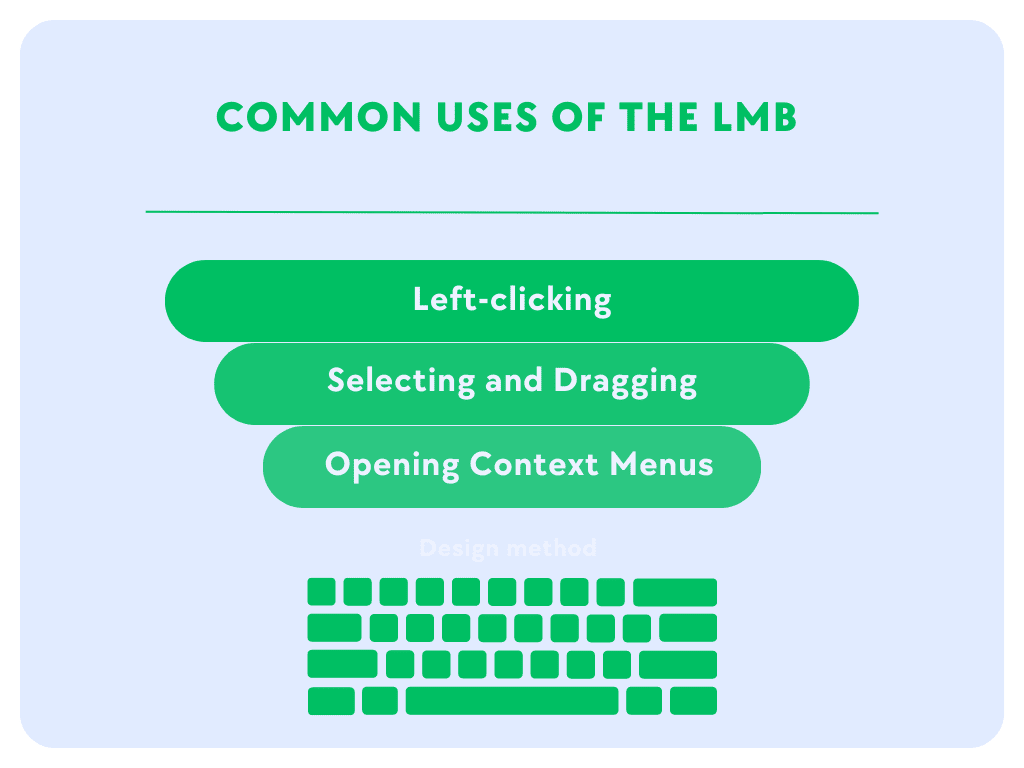
The LMB location is the button that sits under your index finger (if you are right-handed). It is the primary button used for:
- Opening files (double-click)
- Selecting text (click and drag)
- Shooting/Attacking in games
2. On a Laptop Trackpad
If you don’t have a mouse, the LMB is usually:
- The bottom-left corner of the trackpad (physical click).
- A single tap anywhere on the touch surface (gesture click).
3. On a Mac Mouse (Magic Mouse)
Apple mice often look like a single seamless surface. The LMB is simply the left side of that surface.
How to Press LMB If You Don’t Have a Mouse
This is the most critical part of this guide. If your mouse is broken, or you simply prefer using the keyboard for accessibility reasons, you can simulate an LMB click. Here is how to press LMB if I don’t have a mouse.
Method 1: Windows Mouse Keys (Built-in Solution)
Windows 10 and 11 have a feature called Mouse Keys that allows you to control the mouse pointer and click using the Numeric Keypad (Numpad).
Step-by-Step Guide:
- Activate: Press Left Alt + Left Shift + Num Lock simultaneously.
- Confirm: A popup will ask if you want to turn on Mouse Keys. Press Enter or click “Yes”.
- Usage:
- Use the Numpad numbers (8, 6, 2, 4) to move the cursor.
- Press Numpad 5 to simulate a click (LMB).
Pro Tip: If pressing ‘5’ performs a Right Click instead, look at your system tray (bottom right screen). If the mouse icon shows the right button shaded, press Numpad / (slash) to switch active buttons. To switch back to Left Click, press Numpad / again (or sometimes Numpad – depending on version).
Method 2: macOS Mouse Keys
Mac users can also control mouse with keyboard features.
- Go to System Preferences > Accessibility.
- Select Pointer Control > Alternative Control Methods.
- Check “Enable Mouse Keys.”
- Once enabled, the ‘I’ key (or Numpad 5 on full keyboards) often functions as the click.
Method 3: Remapping for Gamers (AutoHotkey)
If you are a gamer asking How can I play without a mouse?, the Windows Mouse Keys method might be too slow for fast-paced action. You can use a script to turn a specific key (like the Spacebar or a Letter) into a mouse click.
Using AutoHotkey (AHK):
- Download and install AutoHotkey.
- Create a new script file.
- Type the following code:
F1::LButton - Run the script.
Now, whenever you press the F1 key, your computer will register an LMB click.
Context Matters: LMB Usage in Popular Software
Understanding the context of your search can help you master the control faster. Here is how LMB is used in major applications.
1. Blender Select Key
In older versions of Blender, the Right Mouse Button (RMB) was the default for selecting objects, which confused millions of users. In modern Blender (2.8+), the Blender select key defaults to LMB.
- Action: Click LMB on an object to highlight it.
- Action: Click and hold LMB to box-select multiple items.
2. Gaming (Minecraft, GTA, FPS)
In almost every First-Person Shooter (FPS) or RPG:
- LMB: Attack, Shoot, or Mine blocks (Minecraft).
- RMB: Aim down sights, Place blocks, or Interact.
If you see Press LMB to Fire and you are on a laptop, you simply need to tap your trackpad or click the bottom-left corner button.
LMB vs. RMB vs. MMB: Quick Comparison
To navigate your computer effectively, you need to know the Holy Trinity of mouse buttons.
| Acronym | Full Name | Location | Primary Function | Keyboard Simulation (Numpad) |
|---|---|---|---|---|
| LMB | Left Mouse Button | Left side | Select, Click, Attack | Numpad 5 (Standard) |
| RMB | Right Mouse Button | Right side | Context Menu, Aim | Numpad – then 5 |
| MMB | Middle Mouse Button | Scroll Wheel | Scroll, Pan, Open New Tab | Numpad – then 5 |
Frequently Asked Questions (FAQ)
Is there an LMB key on the keyboard?
No. LMB refers to the Left Mouse Button on your mouse. However, laptops often have a button below the trackpad that functions as the LMB, and you can map keyboard keys to act like a mouse button using accessibility software.
How do I Left Click with the keyboard on a laptop?
If your trackpad is broken, enable Mouse Keys (Alt + Shift + NumLock). Once enabled, pressing the 5 key on your numeric keypad will perform a Left Click.
Why does my game say LMB when I’m using a controller?
If you have a gamepad plugged in but the on-screen prompts still show keyboard/mouse icons (like LMB), the game may not be detecting your controller properly. Go to the game settings and change the “Input Method” from Keyboard/Mouse to Controller/Gamepad.
Can I change the LMB to a keyboard key permanently?
Yes. Most gaming software (like Razer Synapse or Logitech G Hub) allows you to rebind mouse clicks to keyboard keys. Alternatively, specialized remapping software like SharpKeys or PowerToys can help, though they usually remap keyboard-to-keyboard, so AutoHotkey is the best choice for Keyboard-to-Mouse remapping.
Conclusion
While searching for “What is LMB on keyboard” often starts with confusion, the answer empowers you to control your PC better. LMB is simply your primary mouse button. It isn’t a physical key on your board, but thanks to Windows Mouse Keys and remapping tools, you can force your keyboard to do the work of a mouse whenever necessary.
Whether you are troubleshooting a broken mouse or trying to master Blender shortcuts, remember: LMB = Left Click, and Alt + Shift + NumLock is your secret weapon to simulate it.

Kaleem
My name is Kaleem and i am a computer science graduate with 5+ years of experience in Computer science, AI, tech, and web innovation. I founded ValleyAI.net to simplify AI, internet, and computer topics also focus on building useful utility tools. My clear, hands-on content is trusted by 5K+ monthly readers worldwide.