
Yes, install your games on an SSD if you have the space. Loading screens shrink dramatically, fast travel becomes nearly instant, and the stutter that plagues open world games on old hard drives mostly disappears. Your average FPS will barely move, though, because frames are rendered by your graphics card, not your storage drive. There is one big exception to that rule, and it is called DirectStorage: Microsoft’s newer technology lets supported games stream data straight from a fast SSD to the GPU, and it is starting to change what storage can do for gaming. Here is the full, honest breakdown.
If the underlying technology is new to you, our guide explains what an SSD is and how it works before you read on.
The Short Answer: What Changes and What Does Not
Most of the confusion around this topic comes from mixing up two different things: how fast a game loads, and how fast it runs. An SSD transforms the first and barely touches the second. This table keeps them straight.
| Gets noticeably faster on an SSD | Barely changes on an SSD |
|---|---|
| Game loading screens and boot to menu | Average FPS (frames per second) |
| Fast travel and level transitions | Graphics quality and resolution |
| Texture streaming in open world games | Online ping and latency |
| Installing games and downloading patches | CPU or GPU bound performance limits |
Keep that split in mind and every claim you read about SSDs and gaming starts making sense.
What an SSD Actually Changes When You Game
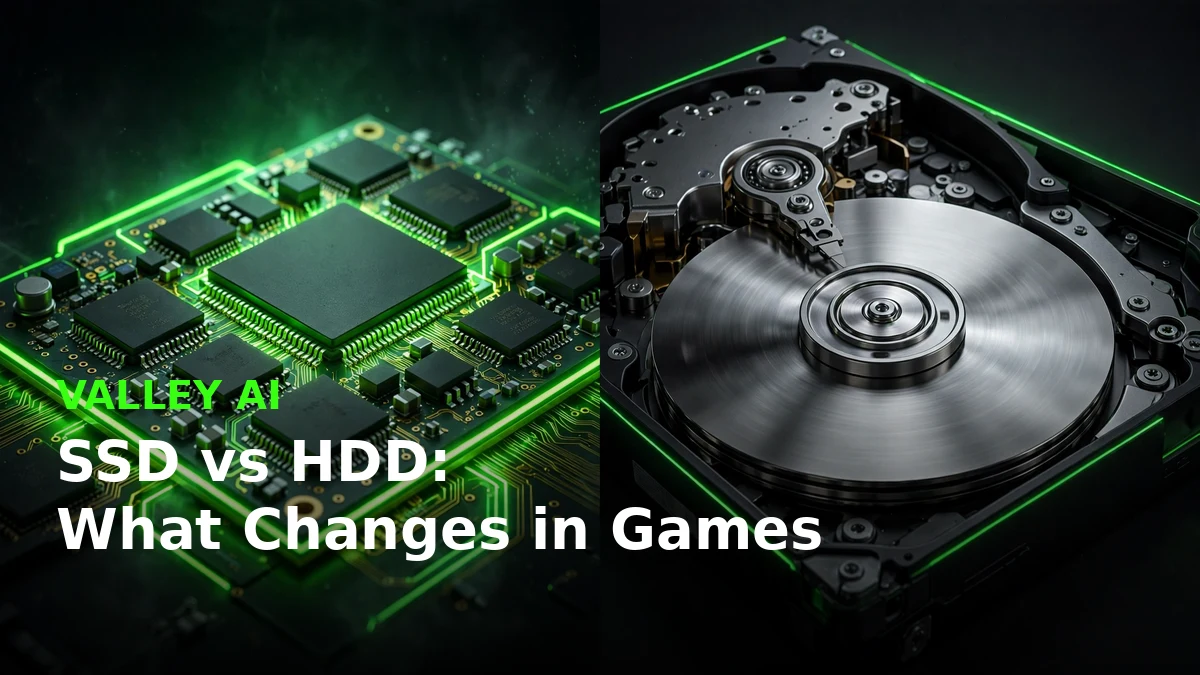
A modern game is constantly pulling data off your drive: textures, 3D models, audio, and chunks of the game world stream into memory as you play. On a hard drive, a physical arm has to swing across spinning platters to find each piece, which takes milliseconds per seek. Those milliseconds add up to the loading screens everyone hates. An SSD stores everything in NAND flash memory with no moving parts, so random reads happen almost instantly.
In practice, the difference is hard to miss. Loading screens that kept you waiting on a hard drive routinely drop to a fraction of the wait on an SSD. Fast travel in open world games goes from a coffee break to a blink. Driving at full speed through a city no longer causes the world to hitch while textures catch up, because the drive can feed the game data as fast as it asks for it. Game installs and patches finish faster too, since writing thousands of small files is exactly the workload SSDs handle best.
For the deeper technical comparison of the two drive types, see our full SSD vs HDD breakdown.
Does an SSD Improve FPS? The Honest Answer
No, an SSD does not raise your average FPS in any meaningful way. FPS measures how many frames your graphics card renders each second, and the storage drive is simply not part of that pipeline once the game’s assets are loaded into memory. If a benchmark shows 62 FPS on a hard drive, expect about 62 FPS on an SSD. Anyone promising an FPS boost from a storage upgrade is selling something.
But there is a subtler truth that the flat no misses. Many games stream textures and geometry continuously as you move through the world. When the drive cannot keep up, the game hitches for a split second while it waits for data. Your FPS counter might still read 60, but the game feels choppy because of those micro freezes, which reviewers call 1% lows. An SSD largely eliminates this kind of stutter, so the game feels smoother even though the average frame rate did not change.
There is one more edge case worth knowing. If your RAM fills up, Windows starts paging memory to your drive as a last resort, and paging on a hard drive turns games into slideshows. An SSD makes that fallback far less painful. It is not a fix for too little RAM, which we cover in our guide to what happens when your RAM is full, but it softens the blow.
DirectStorage: The Technology Changing the Answer
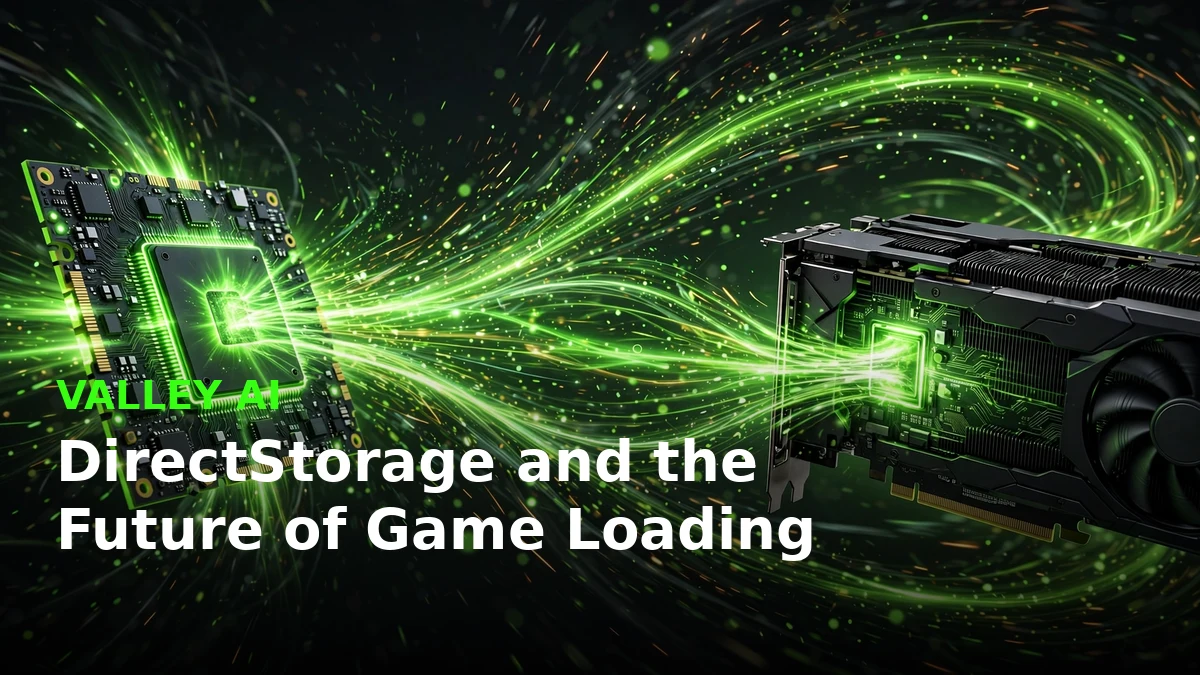
Here is where the old SSD does not help FPS wisdom starts to age. DirectStorage is Microsoft’s API for Windows 10 and 11 that lets games stream compressed assets from an NVMe SSD directly into the graphics card’s memory, bypassing the CPU almost entirely. Traditionally the CPU had to decompress every texture before the GPU could use it, which created a bottleneck. With DirectStorage 1.2, the GPU itself handles decompression, freeing the CPU and pushing far more data per second than the old path ever could.
The first games to use it show what is possible. Forspoken shipped with an early version, and Ratchet and Clank: Rift Apart became the first PC title with DirectStorage 1.2 and GPU decompression. Its developers recommend an SSD for the intended experience, and the game is only really playable on a hard drive at minimum settings. That is a genuine shift: storage speed now gates how a flagship game is meant to be played, not just how long its loading screen lasts.
To use DirectStorage you need three things: an NVMe SSD, Windows 10 or 11, and a DirectX 12 capable graphics card, plus a game that actually supports it. That last part is the honest caveat. Only a handful of titles use it today, though the list is growing, and engines built around massive streaming worlds, like Unreal Engine 5 with its Nanite virtualized geometry, are designed with fast storage in mind. Buying an NVMe SSD now is partly about today’s load times and partly a bet on where games are heading.
You can read how the Rift Apart port uses the technology in VG247’s breakdown of its DirectStorage implementation, and PC Gamer’s report on how it performs on a hard drive shows exactly what slow storage costs you.
NVMe vs SATA SSD for Gaming: Is the Faster Drive Worth It?
If you already own any SSD, here is some reassuring news: for most games released so far, a SATA SSD delivers nearly the whole gaming benefit over a hard drive. Game loading rarely pushes even SATA’s limits, so jumping to NVMe mostly shaves a second or two off loads you already find fast. The drive type matters far less than the leap from spinning disk to flash.
NVMe earns its keep in two situations. First, DirectStorage titles are built for NVMe speeds and GPU decompression, so that is where the premium drive actually shows its strength. Second, enormous open worlds with constant high resolution texture streaming can occasionally saturate a SATA drive. If you are buying new today, NVMe usually costs barely more than SATA, so it is the sensible pick. If you already have a SATA SSD, there is no gaming reason to rush an upgrade.
Our NVMe vs SATA comparison covers the technical differences in full, and if you are unsure what is already inside your machine, here is how to check which SSD your PC has.
Which Games Benefit Most From an SSD
Not every game cares equally about storage speed. The winners are easy to spot once you know what to look for.
- Open world games with constant streaming, where the drive feeds the world as you move through it. This is where stutter disappears most dramatically.
- MMOs and live service games with frequent loading screens, fast travel, and huge patch downloads.
- Games with high resolution texture packs or heavy mods, which multiply the amount of data streaming off the drive.
- Story driven games with seamless transitions, where the SSD removes the loading corridors that used to hide streaming.
On the other end, small indie and 2D games load in seconds either way, and competitive esports titles will not give you a single extra frame from faster storage. You will still load into the match lobby sooner than the hard drive players, which is a small but real perk.
A Simple Storage Strategy for Gamers
Most gaming PCs end up with a fast but small SSD and a slow but roomy hard drive. Here is how to get the best of both without overthinking it.
- Put Windows and your two or three most played games on the SSD. The operating system, your daily driver games, and anything with long loads live here.
- Keep your backlog on the hard drive. Games you touch once a month do not need premium storage. Move them over when they become your current obsession.
- Leave 10 to 20 percent of the SSD empty. SSDs slow down and wear faster when completely full, so treat that last slice as untouchable.
- Move Steam games without reinstalling. In Steam, open Settings, then Storage, add a library folder on your SSD, then right click the game, choose Properties, then Installed Files, then Move install folder. Your saves and settings come along untouched.
Wondering whether simply adding another drive helps? We tested the idea in our guide to whether more SSDs actually make your PC faster.
What About Consoles?
The PlayStation 5 and Xbox Series X were both built around custom high speed SSDs, and their games are designed assuming instant asset streaming. That console first design philosophy is exactly why PC ports are starting to list SSDs in their requirements: developers no longer want to engineer around slow hard drives. If you game on both PC and console, the industry direction is unambiguous.
The Bottom Line
Install the games you actually play on an SSD and keep everything else wherever it fits. You will get dramatically shorter loads, smoother open worlds, and a PC that feels modern. You will not get free FPS, and that is fine, because the smoothness an SSD delivers is the upgrade you feel every single session. With DirectStorage maturing, fast storage is only going to matter more from here.
Frequently Asked Questions
Does an SSD increase FPS in games?
No, an SSD does not raise average FPS, because frame rendering is the graphics card’s job and the drive is not in that pipeline. It can, however, remove stutter and hitching in games that stream textures continuously, which makes gameplay feel smoother. Games built for DirectStorage can benefit more directly from fast NVMe storage.
Is NVMe better than SATA for gaming?
Only marginally for most current games. A SATA SSD already delivers the big leap over a hard drive, and game loading rarely saturates SATA speeds. NVMe matters for DirectStorage titles and very large streaming worlds, and since new NVMe drives cost barely more than SATA, NVMe is the sensible buy today.
Can I move Steam games to an SSD without reinstalling?
Yes. In Steam, open Settings, then Storage, and add a library folder on your SSD. Then right click the game in your library, choose Properties, then Installed Files, then Move install folder. Your saves, settings, and achievements move with the game, and nothing needs redownloading.
Do I need an SSD for DirectStorage?
DirectStorage is designed around NVMe SSDs, and its GPU decompression feature needs one to shine. You also need Windows 10 or 11, a DirectX 12 capable graphics card, and a game that supports the technology. Without a supported game, DirectStorage changes nothing, so check a game’s requirements before upgrading for it specifically.
Will new games still run on a hard drive?
Most still do, but the trend is moving away from it. A growing number of new releases list an SSD as the minimum or recommended storage, and some flagship titles are only properly playable on one. If you are building or upgrading a gaming PC today, treat an SSD as essential rather than optional.

Kaleem
Kaleem is a Computer Science graduate and the founder of Valley AI (valleyai.net), where he publishes in-depth, tested guides on computers, AI, and internet technologies. Every guide is researched from primary sources and updated regularly.